Marriage Biodata Format
Marriage Biodata Format
See exactly what a correct marriage biodata format looks like — the sections, the order and the fields families expect — then build your own and download a print-ready PDF, Word or image.
3
Templates
5 min
To download
Free
To create

In short
A marriage biodata format is a one-page layout with the photo at the top-right and details grouped under three headings — Personal, Family and Contact — as aligned label–value rows. With our free maker you fill a guided form, pick a template and download a print-ready PDF, Word or image in minutes.
Published Last updated Reviewed by the MakeMyBiodata editorial team
Your details stay private
- Your photo and every field are encrypted with AES-256-GCM before they are saved
- Nothing is published, listed or shown to other users — this is a document maker, not a matrimony site
- We never sell or share your details with third parties
- Ask us to delete your record at any time and we will
What is a marriage biodata format?
A marriage biodata format is the standard one-page layout families exchange for a proposal. The order matters: a heading (often an invocation or your name), a photo at the top-right, then aligned label–value rows grouped as Personal, Family and Contact details.
Most people lose hours fighting with tables in Word to get this alignment right. Our maker enforces the correct format automatically while letting you rename, reorder, hide or add any field — so the layout is always clean whether you print it or share it on WhatsApp.
How to make your english biodata in 4 steps
- 1
Open the maker
Start the editor — the correct three-section format is built in, so you never fight with Word tables.
- 2
Fill the standard fields
Add personal, family and contact details. Rename a label, reorder rows or hide anything you don't want to show.
- 3
Pick a template & photo
Choose from 3 designs and upload a 4:5 photo. The live preview shows the final format as you type.
- 4
Download the format you need
Download a print-ready PDF, an editable Word file, or an image for WhatsApp.
What to include in your biodata
Personal details
- Full name
- Date & time of birth
- Height & complexion
- Religion, caste / community
- Rashi, nakshatra, gotra, manglik
- Education & occupation
- Annual income
Family details
- Father's name & occupation
- Mother's name & occupation
- Siblings (married / unmarried)
- Native place & family values
Contact details
- Mobile number
- Residential address
- A clear, recent photograph
The correct marriage biodata format, section by section
Keep it to one page. Lead with a heading and place the photo at the top-right. Group everything under three headings — Personal, Family and Contact — and present each detail as an aligned ‘label : value’ row so an elder can scan it in thirty seconds.
Use consistent date and height formats, write the occupation clearly (designation + city), and only include fields you are comfortable sharing. Our templates lock this alignment for you, so the result looks professionally designed.
- One page, three sections, photo top-right
- Aligned label : value rows for easy scanning
- Astrology block included for Hindu matches
- Recent, well-lit photo in 4:5 ratio
PDF, Word or image — which format should you download?
Download PDF for a fixed, print-ready copy that looks identical on every device. Choose Word (DOCX) if you expect to keep editing details. Pick image (PNG) for the fastest WhatsApp share.
With us you buy once and download all three, so you are never locked into a single format.
Sources
In the India Human Development Survey of 27,932 ever-married women aged 25–49, only 5% chose a spouse without any family involvement; 37% of marriages were arranged jointly with parents and 35% by the parents alone. The one-page format exists because it is read by a family, often several at once, rather than by the candidate.
India Human Development Survey (IHDS), University of Maryland & NCAER — 2011–12
Download formats compared
| Format | Best for | Editable later? |
|---|---|---|
| Word (DOCX) | Editing details anytime | Yes — fully editable |
| Printing & in-person meetings | No — fixed layout | |
| Image (PNG) | Fast WhatsApp sharing | No — share-ready |
Marriage Biodata Format templates
Every design works in your language — pick one and make it yours.
Ganesha Classic
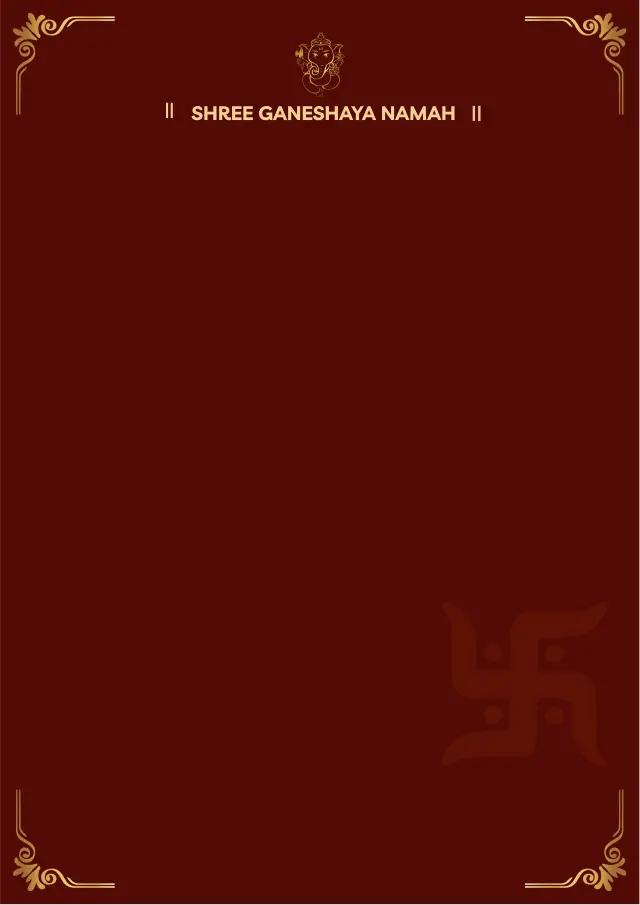
Ganesha Maroon
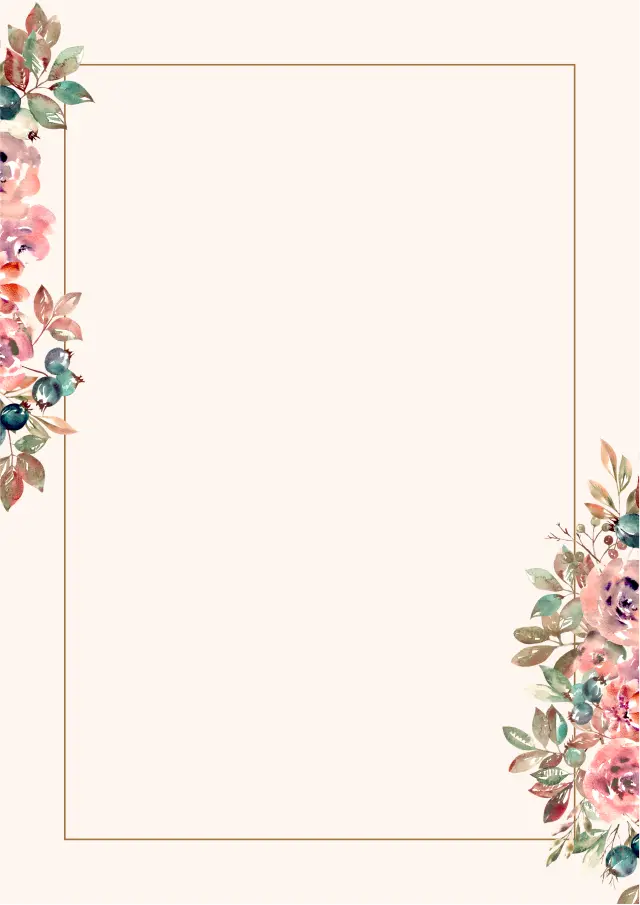
Rose Floral
Why families choose our maker
The correct, family-approved one-page layout, enforced automatically
All matrimonial fields built in: rashi, nakshatra, gotra, manglik, gan
Photo, education, family and contact sections in the expected order
3 designs from simple & minimal to traditional Ganesha & mandala
Download a print-ready PDF, editable Word, or high-resolution image
What families say
“Made my biodata in five minutes and shared it straight to our family WhatsApp group. Relatives thought we paid a designer.”
Priya & family
Pune
“Every astrology field I needed — gotra, rashi, nakshatra, manglik — was already there. No more retyping into Word.”
Rakesh
Hyderabad
Frequently asked questions
What is the correct format for a marriage biodata?
A one-page layout with a heading, a photo at the top-right, and details grouped under Personal, Family and Contact as aligned label–value rows. Our maker builds this format automatically.
How do I make a marriage biodata format in PDF?
Fill your details in our editor, choose a template, and download a print-ready PDF. You can also download editable Word and image versions.
Can I get a marriage biodata format in Word?
Yes. The Word (DOCX) download stays fully editable so you can update details anytime, and you also get PDF and image versions.
What should a simple marriage biodata include?
Name, date of birth, height, religion and community, education and job, astrology fields (rashi, nakshatra, gotra, manglik), family details, and a contact number with a recent photo.
Is the biodata format free to create?
Yes — creating and previewing is completely free. A small one-time fee removes the watermark and unlocks the PDF, Word and image downloads.
Make a biodata in another language
Guides from our blog
Further reading
Create your marriage biodata format today
Free to make and preview — download when you are happy with it.
Create Biodata Now