Thevar Marriage Biodata
Thevar Marriage Biodata Format
The fields a Thevar family actually reads — Sub-group, Kulam / kootam, Thirunakshatram — laid out on one page, in Tamil and English. Free to create, download as Word, PDF or image.
3
Templates
5 min
To download
Free
To create
In short
A Thevar marriage biodata is a one-page matrimonial profile that carries the fields this community matches on — Sub-group, Kulam / kootam, Thirunakshatram, Kuldevi / Kuldaivat — alongside the usual personal, education, family and contact details. It opens with a murugan or family-deity invocation and includes the horoscope block for kundli matching.
Published Reviewed by the MakeMyBiodata editorial team
Your details stay private
- Your photo and every field are encrypted with AES-256-GCM before they are saved
- Nothing is published, listed or shown to other users — this is a document maker, not a matrimony site
- We never sell or share your details with third parties
- Ask us to delete your record at any time and we will
What is a Thevar marriage biodata?
A Thevar marriage biodata is a one-page matrimonial profile that carries the fields this community matches on — Sub-group, Kulam / kootam, Thirunakshatram, Kuldevi / Kuldaivat — alongside the usual personal, education, family and contact details. It opens with a murugan or family-deity invocation and includes the horoscope block for kundli matching.
Thevar is an umbrella for the three Mukkulathor communities, so naming the sub-group is what actually places a family — the title alone does not.
How to make your english biodata in 4 steps
- 1
Open the maker
Start the editor and set the header — A Murugan or family-deity invocation.
- 2
Add the Thevar fields
Fill Sub-group, Kulam / kootam, Thirunakshatram and the rest. Any field can be renamed, reordered or hidden, so nothing irrelevant is left on the page.
- 3
Complete family & contact
Parents, siblings, native place and one contact number with the relationship stated.
- 4
Download & share
Pick a template, then download Word, PDF or an image to send on WhatsApp.
What to include in your biodata
Fields specific to a Thevar biodata
- Sub-group — Kallar, Maravar or Agamudayar — the three divisions of Mukkulathor, named on the biodata.
- Kulam / kootam — The clan division used for exogamy.
- Thirunakshatram — Birth star in Tamil.
- Kuldevi / Kuldaivat — The family deity, named because it identifies the specific family line within a community.
- Native place — The ancestral town or village, distinct from the current city.
Standard fields on every biodata
- Full name, date of birth & age
- Height, complexion & blood group
- Education & occupation
- Father, mother & siblings
- Native place & current city
- One contact number, with the relationship stated
What a Thevar biodata must include
Generic templates are built around a North Indian Hindu default, which is why Thevar families so often end up editing one in Word. The fields below are the ones that default leaves out.
- Sub-group — Kallar, Maravar or Agamudayar — the three divisions of Mukkulathor, named on the biodata.
- Kulam / kootam — The clan division used for exogamy.
- Thirunakshatram — Birth star in Tamil.
- Kuldevi / Kuldaivat — The family deity, named because it identifies the specific family line within a community.
- Native place — The ancestral town or village, distinct from the current city.
How Thevar families match
Matching happens largely within sub-group, with kootam exogamy applied and jathagam matching standard.
Thevar is an umbrella for the three Mukkulathor communities, so naming the sub-group is what actually places a family — the title alone does not.
Thevar biodata format — page order
Keep it to one page in this order: personal details, the horoscope block including Sub-group and Kulam / kootam, then education and work, then family, then one contact number.
Fill every field you show. A visible but empty sub-group line reads as something withheld, which costs more than leaving the field out altogether.
Download formats compared
| Format | Best for | Editable later? |
|---|---|---|
| Word (DOCX) | Editing details anytime | Yes — fully editable |
| Printing & in-person meetings | No — fixed layout | |
| Image (PNG) | Fast WhatsApp sharing | No — share-ready |
Thevar Marriage Biodata templates
Every design works in your language — pick one and make it yours.
Ganesha Classic
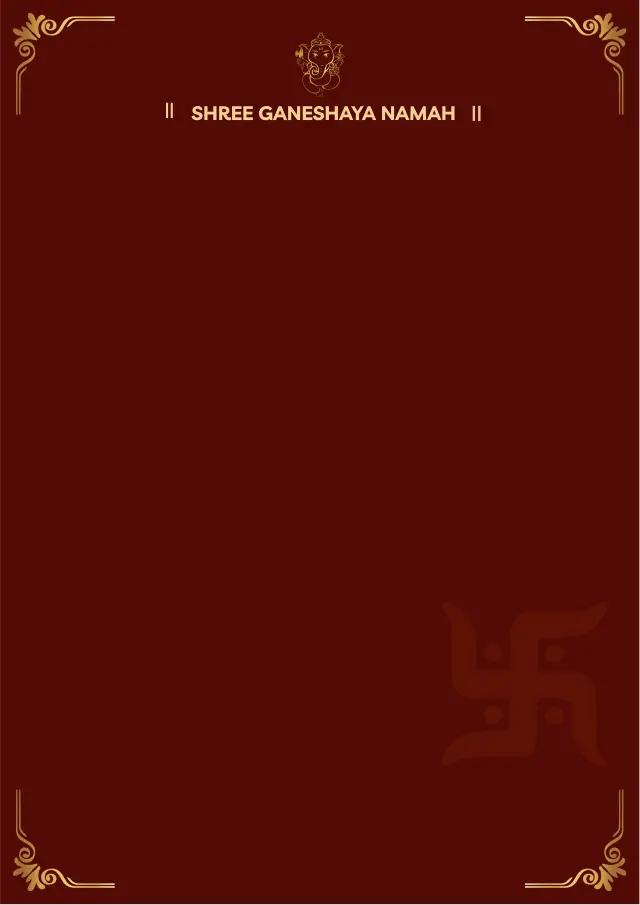
Ganesha Maroon
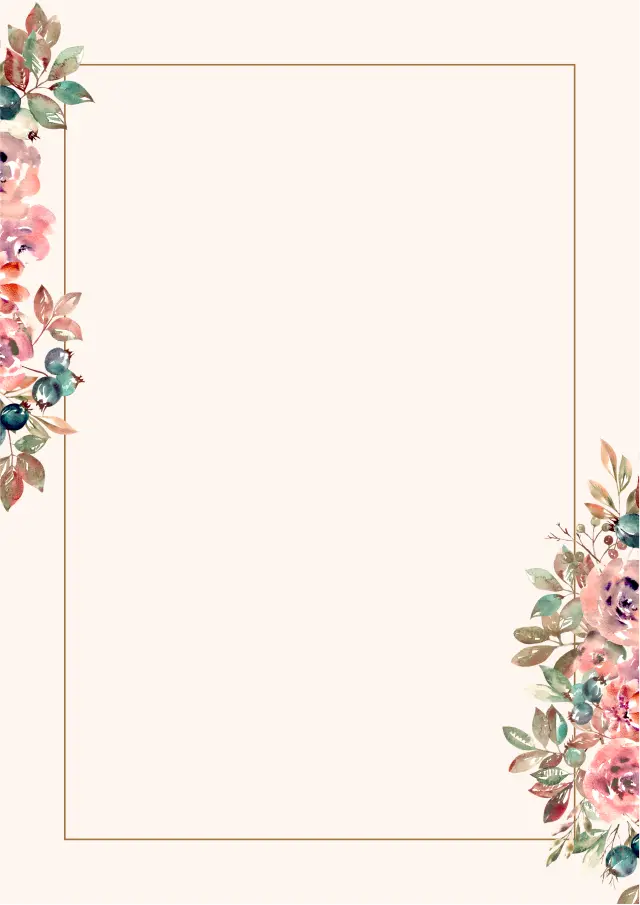
Rose Floral
Why families choose our maker
Carries the Thevar-specific fields: Sub-group, Kulam / kootam, Thirunakshatram, Kuldevi / Kuldaivat, Native place
Full horoscope block: gotra, rashi, nakshatra, pada and manglik
Header convention: A Murugan or family-deity invocation
Written in Tamil and English
Download an editable Word file, a print-ready PDF, or an image for WhatsApp
What families say
“Every other template had gotra but no devak. Being able to add it meant I didn't have to redo the whole page in Word.”
Sneha
Kolhapur
“No horoscope section, denomination and parish instead — finally a biodata that fit our family without deleting half of it.”
Thomas
Kochi
Frequently asked questions
What is a Thevar marriage biodata?
A Thevar marriage biodata is a one-page matrimonial profile that carries the fields this community matches on — Sub-group, Kulam / kootam, Thirunakshatram, Kuldevi / Kuldaivat — alongside the usual personal, education, family and contact details. It opens with a murugan or family-deity invocation and includes the horoscope block for kundli matching.
Which fields are specific to a Thevar biodata?
Sub-group, Kulam / kootam, Thirunakshatram, Kuldevi / Kuldaivat, Native place. Sub-group — Kallar, Maravar or Agamudayar — the three divisions of Mukkulathor, named on the biodata.
How do Thevar families match a proposal?
Matching happens largely within sub-group, with kootam exogamy applied and jathagam matching standard.
What does a Thevar biodata open with?
A Murugan or family-deity invocation. The horoscope block then follows the personal details, since families read the two together.
Can I make a Thevar biodata for free?
Yes — creating and previewing are free, and every field above can be added, renamed or hidden. A one-time fee unlocks watermark-free Word, PDF and image downloads.
Make a biodata in another language
Guides from our blog
Further reading
Create your Thevar marriage biodata today
Free to make and preview — download when you are happy with it.
Create Biodata Now